
Krea’s Video Swap Makes the Existing Edit the Starting Point
The new tool uses one to four reference images to replace a person, face, outfit, or object in existing footage while, Krea says, keeping the motion, camera moves, cuts, and audio.
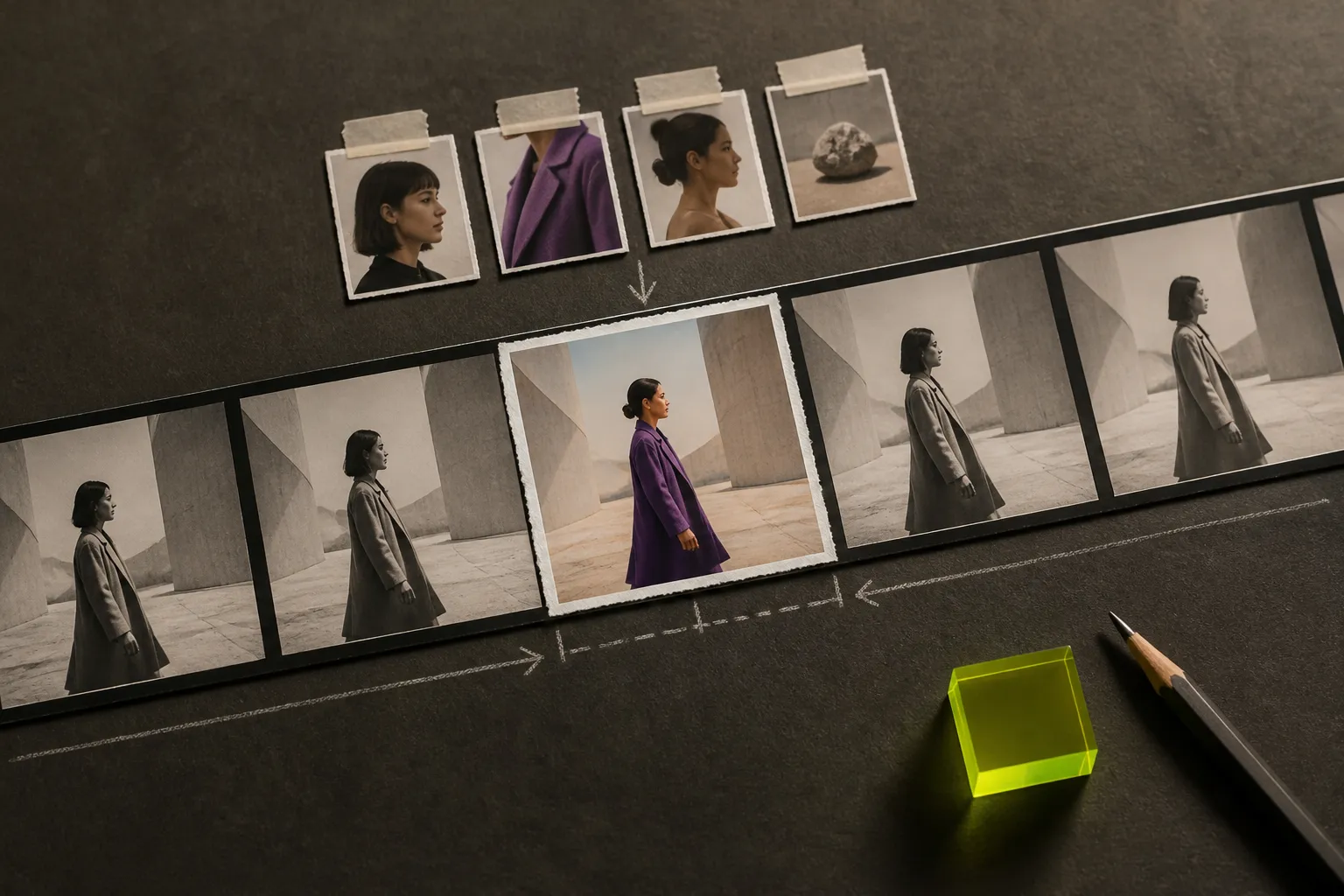
The new tool uses one to four reference images to replace a person, face, outfit, or object in existing footage while, Krea says, keeping the motion, camera moves, cuts, and audio.
Imagine a campaign cut that already works: the camera move lands on the right beat, the hand closes around the product at the right moment, and the soundtrack carries the viewer into the next shot. Then the product color changes. The creative decision is small, but making it stick across moving footage can mean tracking, masking, and compositing—or going back to the shoot. Krea’s Video Swap addresses that gap between a small visual revision and the work it takes to make it believable.
In its November 20 changelog, Krea says Video Swap can replace a person, face, outfit, or object in a video you already have. The inputs are the video and one to four reference images. Krea says the tool keeps the original motion, camera moves, cuts, and audio. Video Swap requires a paid plan, and Krea also offers it through a dedicated API.
The edit becomes a constraint. In a prompt-to-video workflow, a new take can change the framing, timing, and performance along with the thing you actually wanted to revise. Video Swap starts from footage in which those decisions have already been made. The question is no longer whether the model can invent a good product shot. It is whether the replacement can fit the push-in, the hand movement, and the cut that make this particular product shot work.
That distinction matters when the footage sits inside a larger design system. A motion designer comparing two product finishes may want the same framing and rhythm in both versions so the team can judge the finish rather than react to two different takes. An art director could use the same approach to review wardrobe colors against a campaign palette without asking the team to evaluate a new performance at the same time. Those are plausible uses of the announced workflow, not evidence that the tool will reproduce a specific finish, fabric, or color accurately.
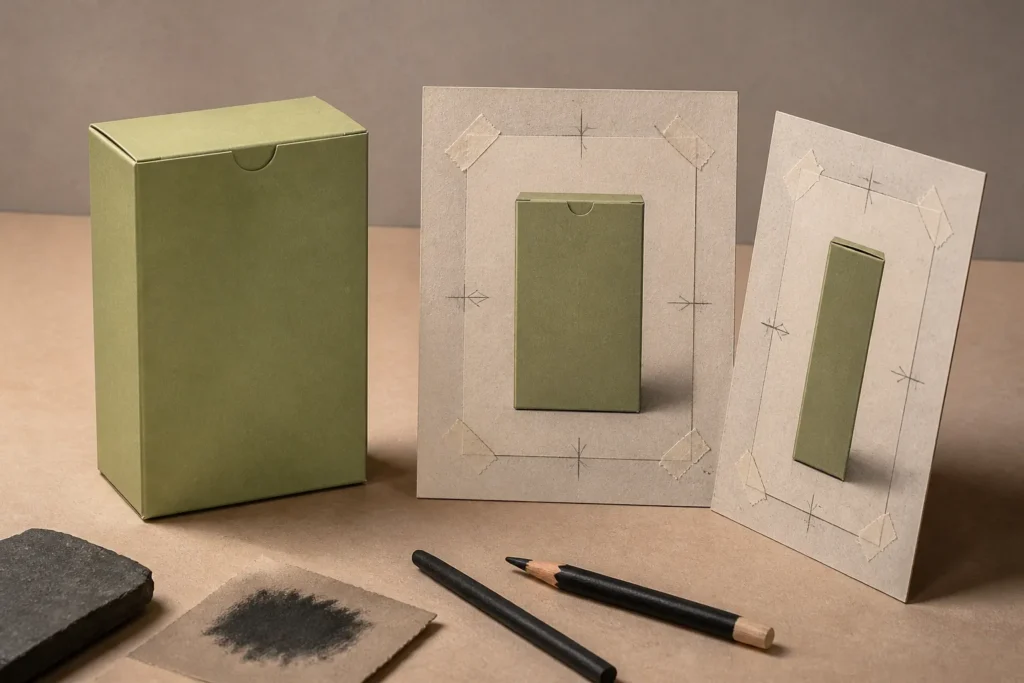
Choose references for the shot you have. A clean front view may describe a product well enough for a straight-on shot but leave its profile ambiguous when the camera moves around it. If the source clip exposes the side of a package, a useful second reference would show that side clearly. Likewise, if the point of the test is the difference between two finishes, avoid reference images whose lighting makes that difference hard to read. Treating the images as a small set of art-direction decisions is more useful than treating four as a target to fill.
For a first test, take a short excerpt that contains a representative challenge rather than the easiest frame in the sequence. In a product shot, that might be the moment fingers pass in front of the label, or the few frames when the object turns and catches a reflection. Play the original and the result side by side at normal speed to judge whether the timing and action still read. Then scrub through the difficult moment to see whether edges, contact points, and product details hold together from frame to frame. A convincing still is a useful checkpoint, but it cannot tell you whether a label shifts during a turn or a sleeve flickers as an arm crosses the body.
The distinction between a review asset and a delivery asset is especially important here. A colorway mockup can be useful in an internal review even if the packaging text needs cleanup. In a final ad, a drifting logo, an altered silhouette, or a reflection that no longer matches the scene may be enough to send the shot back to compositing. Audio deserves a separate pass: keeping the original track is an advantage when a cut is timed to music, but not when dialogue names the product you just replaced.
Keep a path back to the original. The changelog describes replacing content in footage; it does not describe a layered handoff with a separate matte or editable replacement element. A matte is the mask a compositor can use to adjust an element independently of the rest of the frame. Until you know what the output supports, keep the source clip and reference set alongside each generated version, and bring promising results into the edit as alternate takes rather than overwriting the original. For shots involving people, use footage and reference images cleared for the intended alteration and distribution.
The API gives teams another way to request variants from the same source clip. The useful first step is still a small manual comparison. If the result holds up through the moments that make the shot hard—the turn, the overlap, the cut—then generating more variants may save work. If the same defect appears every time, scaling up only creates more footage to inspect.
The practical test for Video Swap is not whether it can produce a dramatically different frame. It is whether a designer can change one visual decision without reopening the decisions the team already made about movement, timing, and sound. That would make it valuable even when the first destination for a swap is a review timeline rather than a final export.
Sources