
Blog Illustration & Image Editing
Keep the Product Shape Fixed
A practical thought experiment about locking the product layer while using generative editing to explore different campaign settings.
Editorial sample
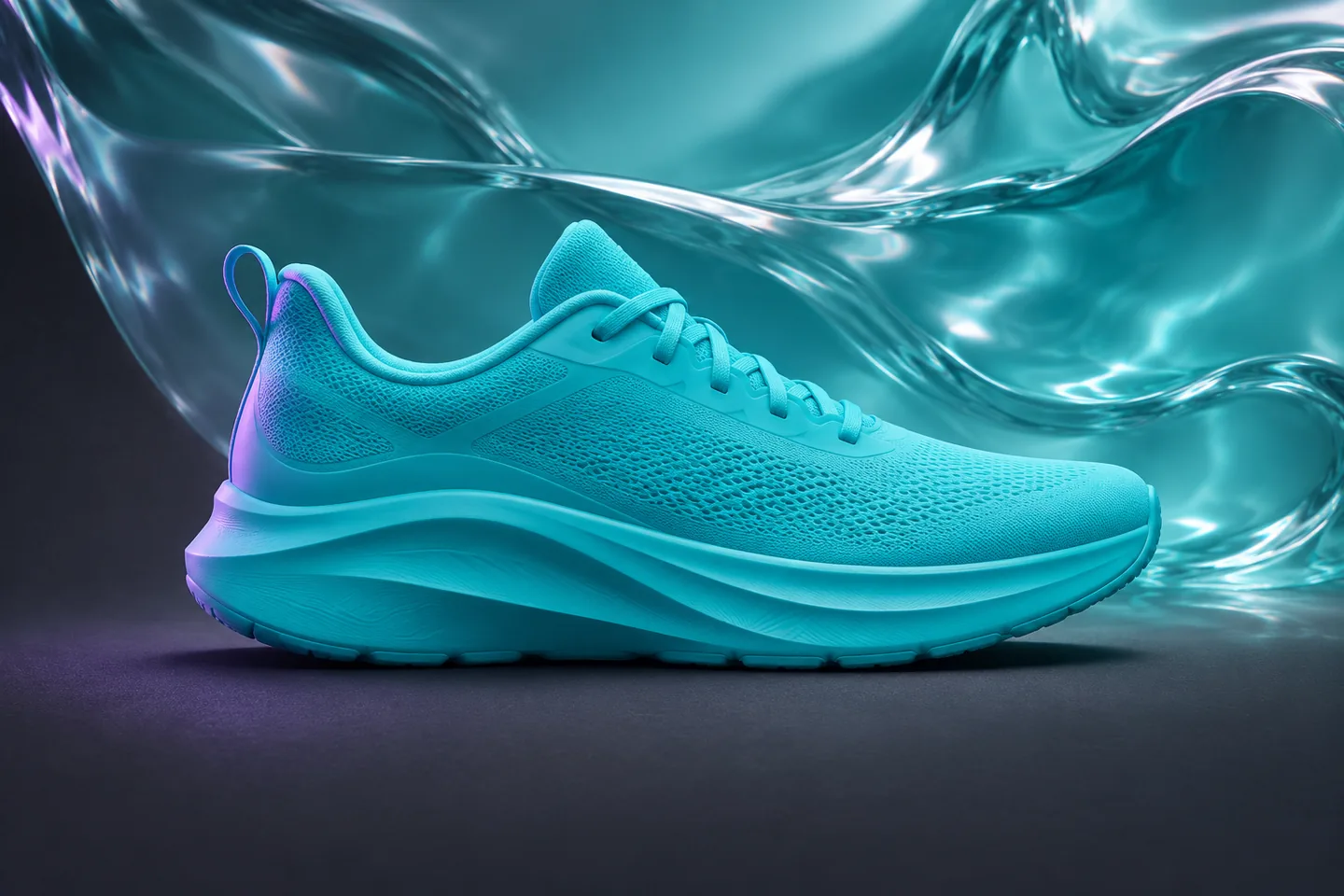
Fictional product-image exercise.
Picture a turquoise running shoe on a plain studio sweep. The designer wants it to feel at home against a sheet of frosted glass, a concrete step or a shadow from an imaginary window. The shape of the sole, the stitching and the lacing pattern are already approved. Those details give the edit a clear boundary.
Protect what the shot is there to show
Keep the original product layer and generate with a mask that protects it. For this shoe, pay close attention to the fine edges around the laces, the thin openings between them and the way the tread meets the floor. A mask that works at thumbnail size can leave a pale rim in a full-width campaign image. Check it over a neutral background before spending time picking a setting.
Treat the contact shadow as a design decision
The light in the original shot comes from the left. The most promising new settings work with that direction and leave room to build a believable shadow beneath the shoe. Keep the shadow on its own layer so its density can change with the surface. The one for glass should behave differently from the one for concrete.
To choose between versions, switch between the original and the composite at the final campaign crop. Look at the parts a customer might use to recognize the product. Once they read consistently, judge which setting best directs attention. A generated background can change the mood of the entire frame while the original product remains available for the next brief.